The podcast player
WordPress deserves
The easiest way to embed beautiful podcast players in WordPress. Works with Transistor.fm, any RSS feed, and supports modern Podcasting 2.0 features like chapters and transcripts.
See it in action
Beautiful podcast players that look great on any WordPress site.
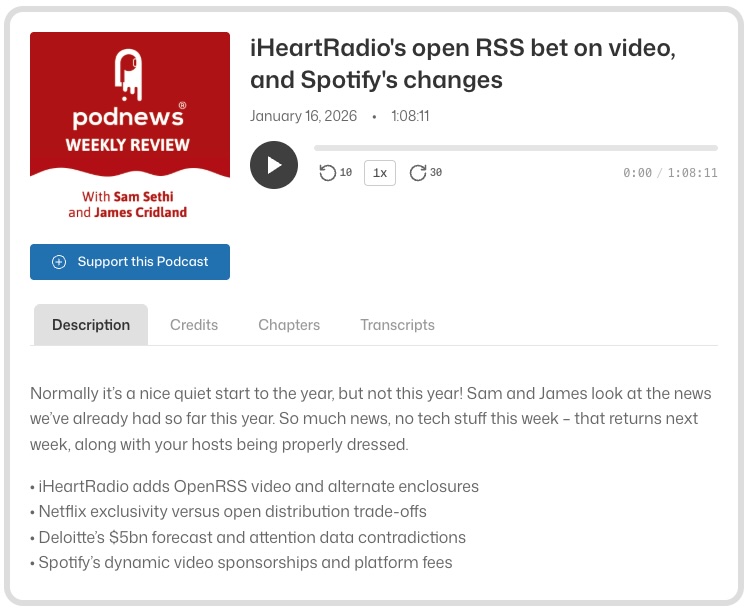
Single episode with Podcasting 2.0 features
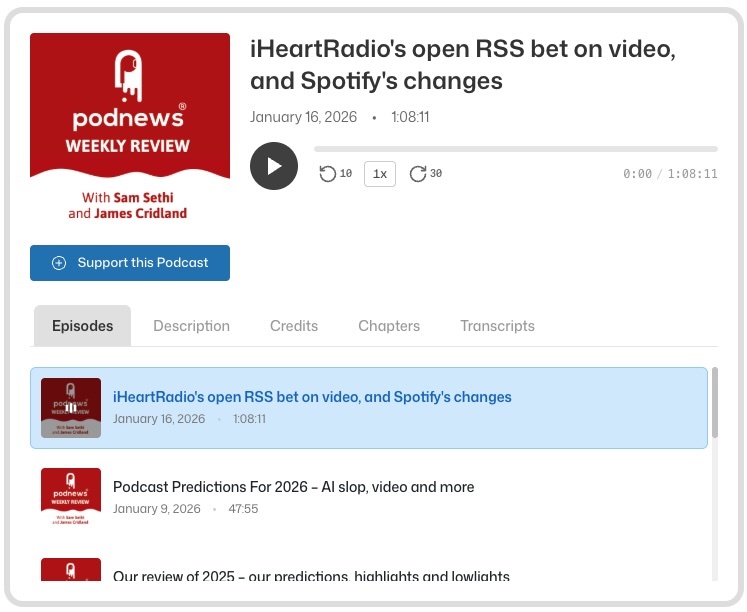
Playlist mode with browsable episodes
Why podcasters choose PodLoom
Simple to set up, powerful when you need it, and works with any podcast host.
Effortless Embeds
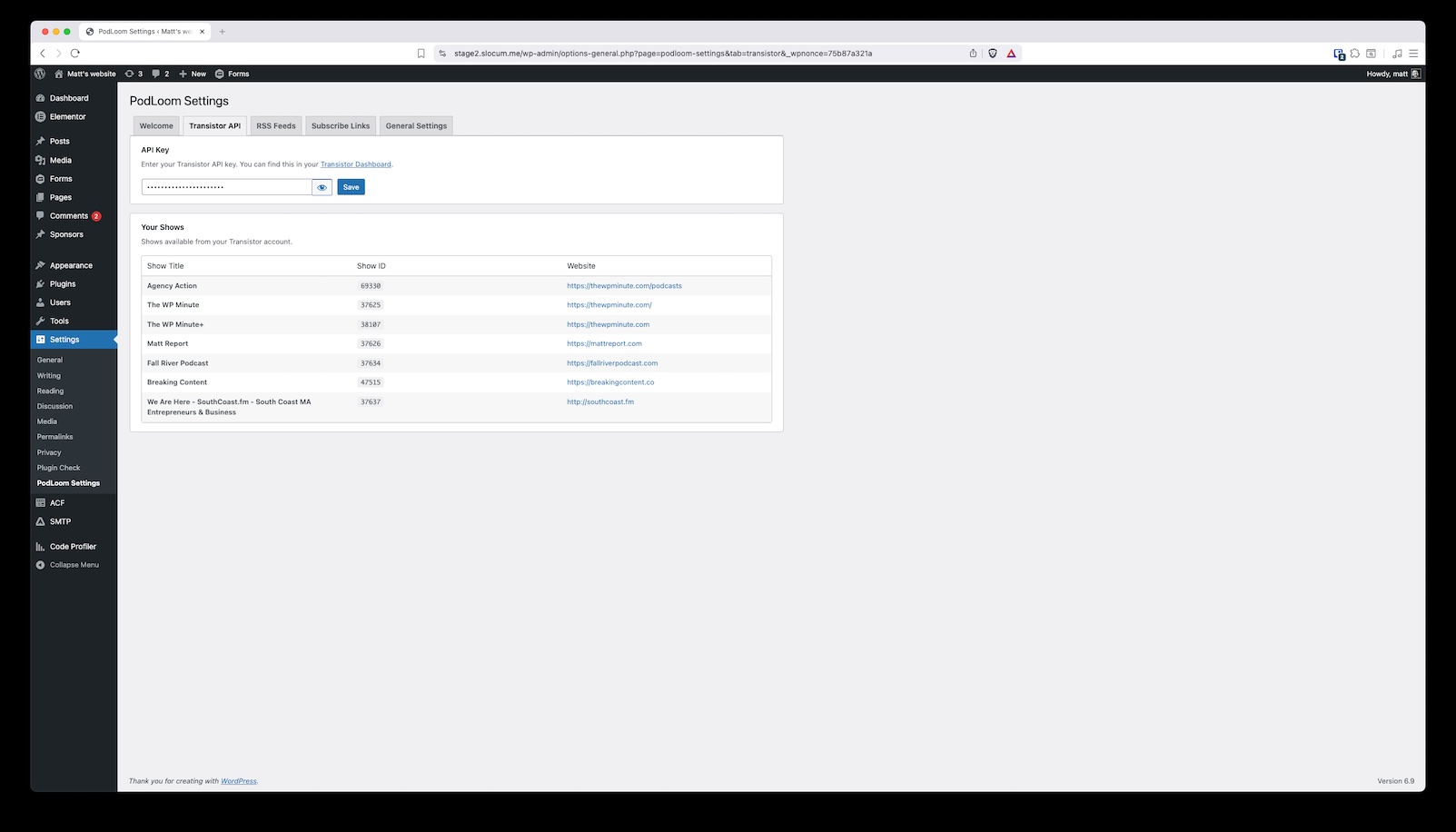
Add your Transistor API key or paste any RSS feed URL. Select an episode and you're done. Beautiful players in seconds.
Chapters, Transcripts & More
Automatically shows Podcasting 2.0 features like chapter navigation, searchable transcripts, funding buttons, and host credits.
Make It Yours
Customize colors, fonts, and borders to match your brand. Works with any theme and looks great on every device.
Connect once, publish forever
Add your Transistor API key and unlock the full power of PodLoom. No copying embed codes, no manual updates—just seamless podcast publishing.
- Embed episodes and playlists with a few clicks
- Display scheduled episodes automatically
- Sync podcast descriptions directly into WordPress
- Browse your entire library from the block editor
WordPress should work for you, not against you
You want to use WordPress as your content marketing hub—not spend hours wrestling with it to display a simple podcast player. PodLoom gets out of your way so you can focus on what matters: creating great content and growing your audience.
Add episodes in seconds
Drop in a block, pick your episode, done. No shortcodes to memorize, no settings pages to hunt through.
Your podcast, your brand
The player adapts to your site's design. Customize it if you want, or let it blend in seamlessly.
Keep your workflow
Works with Gutenberg, Elementor, Transistor, or any RSS feed. Use the tools you already know.
Ready to upgrade your podcast experience?
Join thousands of WordPress sites using PodLoom. Free to use, or get done-for-you setup.
Get Started