Screenshots
See PodLoom in action on real WordPress sites.
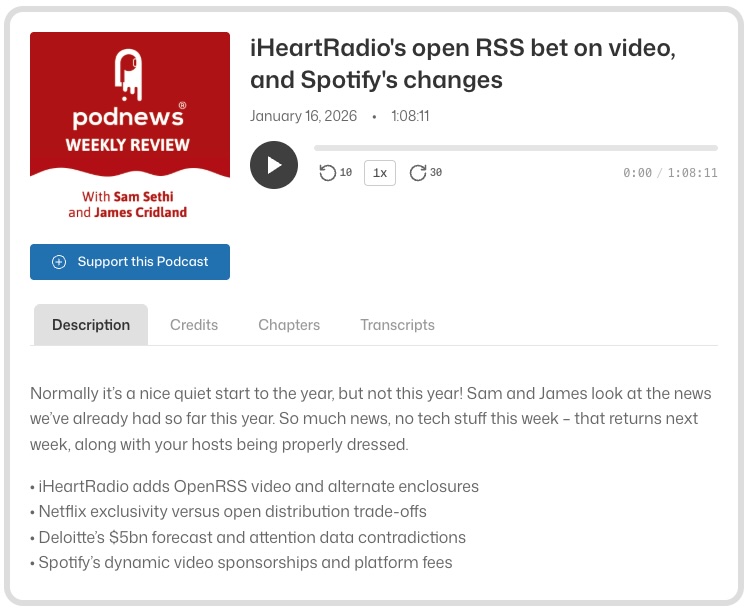
Single Episode Player
The full-featured player displays your episode with artwork, playback controls, and tabbed content. Podcasting 2.0 features like chapters, transcripts, credits, and funding buttons are automatically detected and displayed.
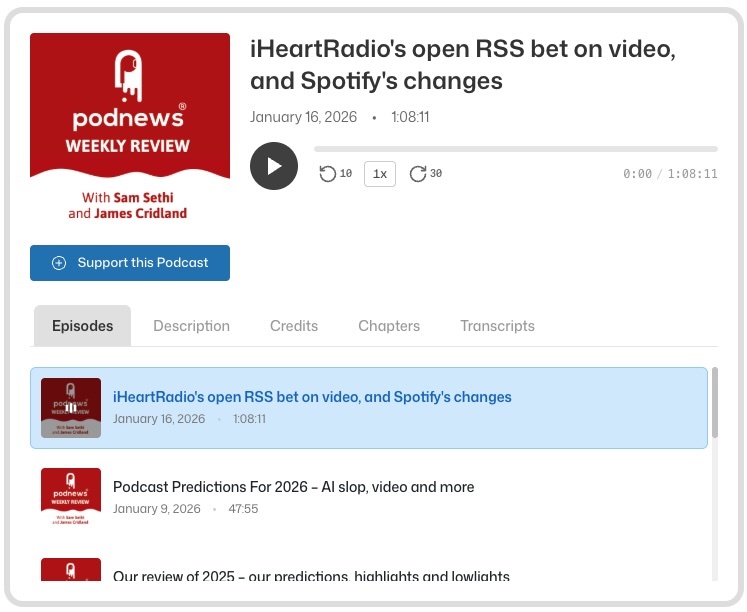
Playlist Mode
Display multiple episodes in a browsable list. The current episode is highlighted, and listeners can click any episode to start playing.
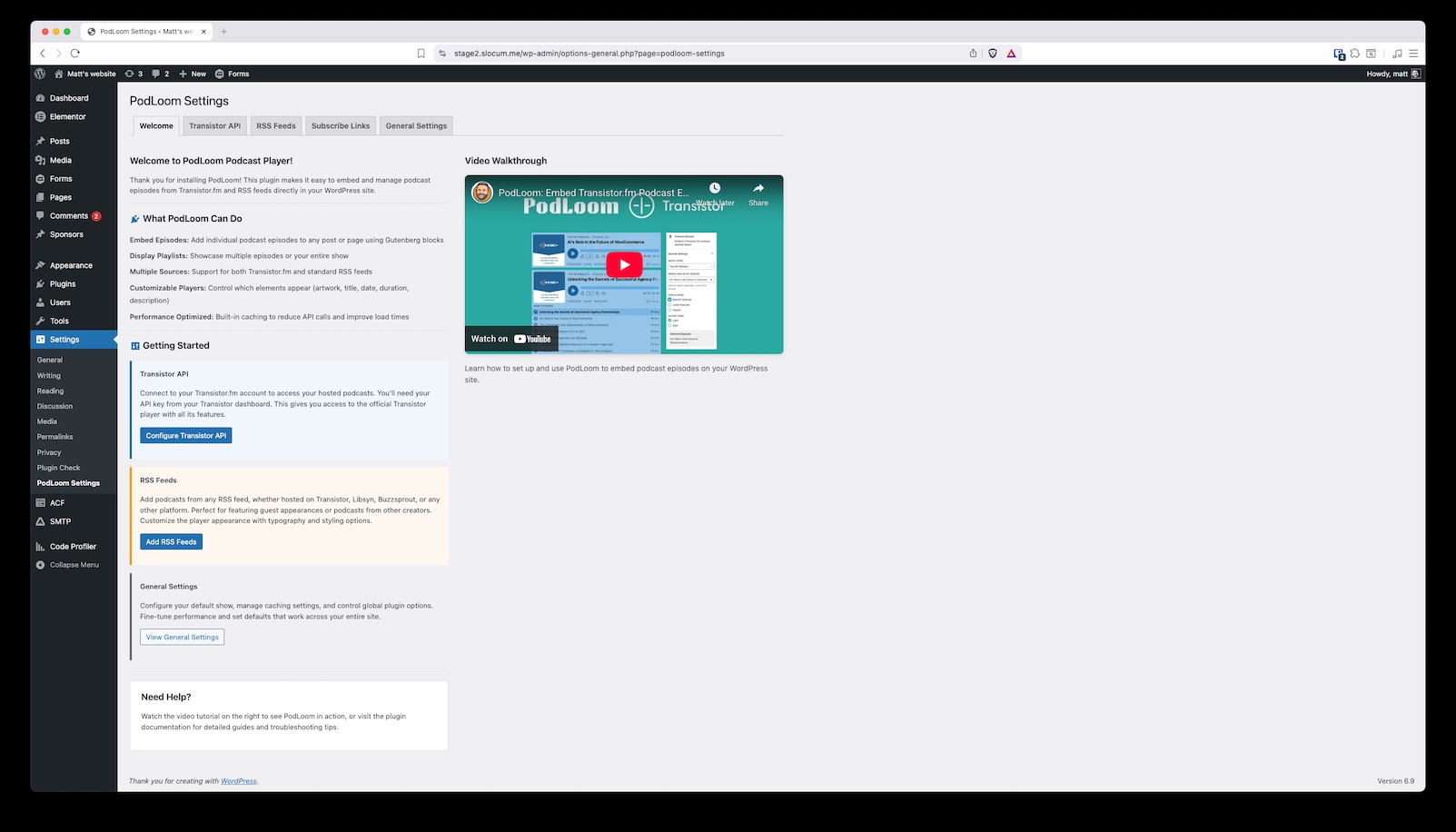
Dashboard
The PodLoom dashboard gives you a quick overview and easy access to all settings.
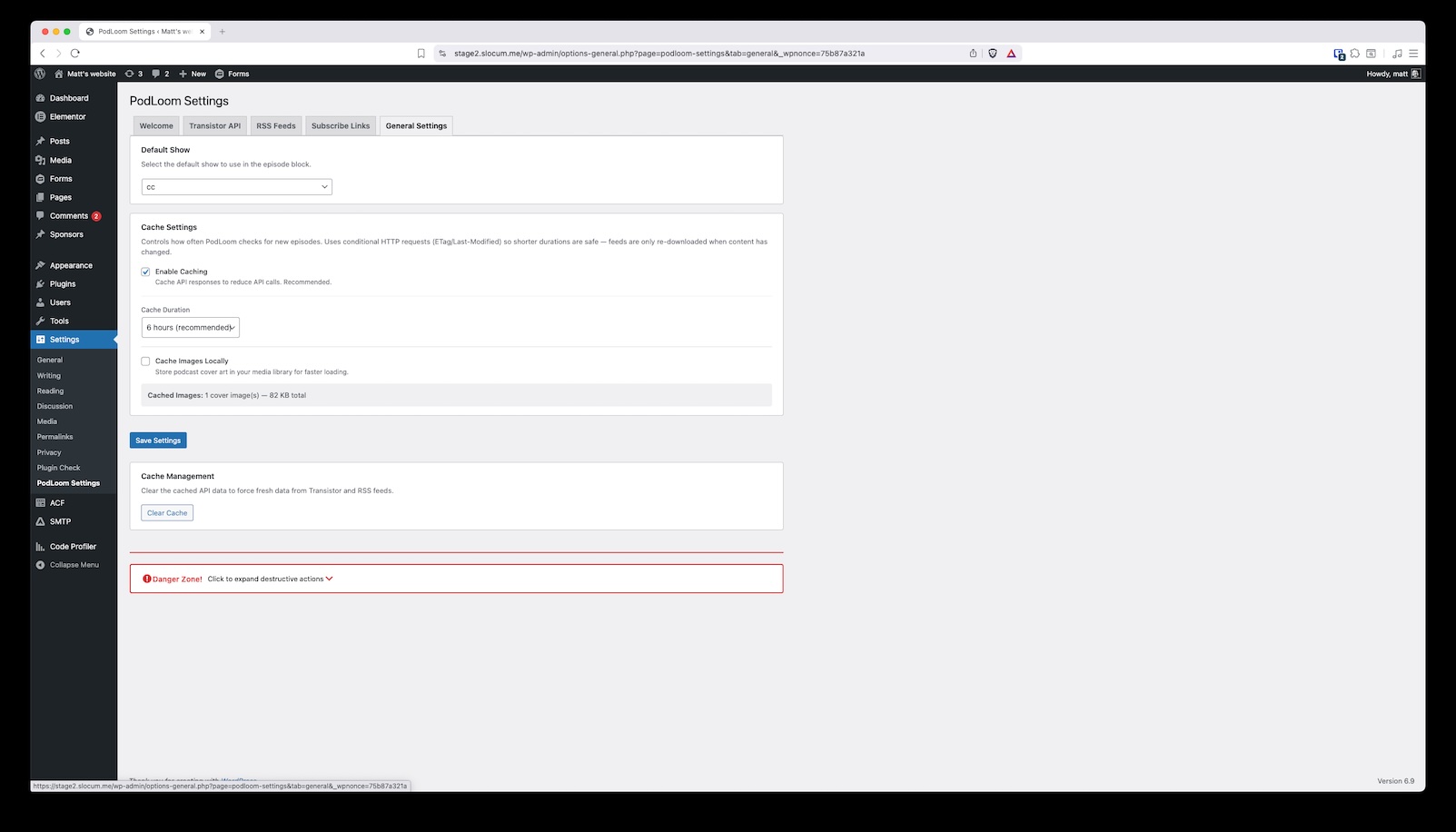
General Settings
Configure default behavior, caching options, and global player preferences.
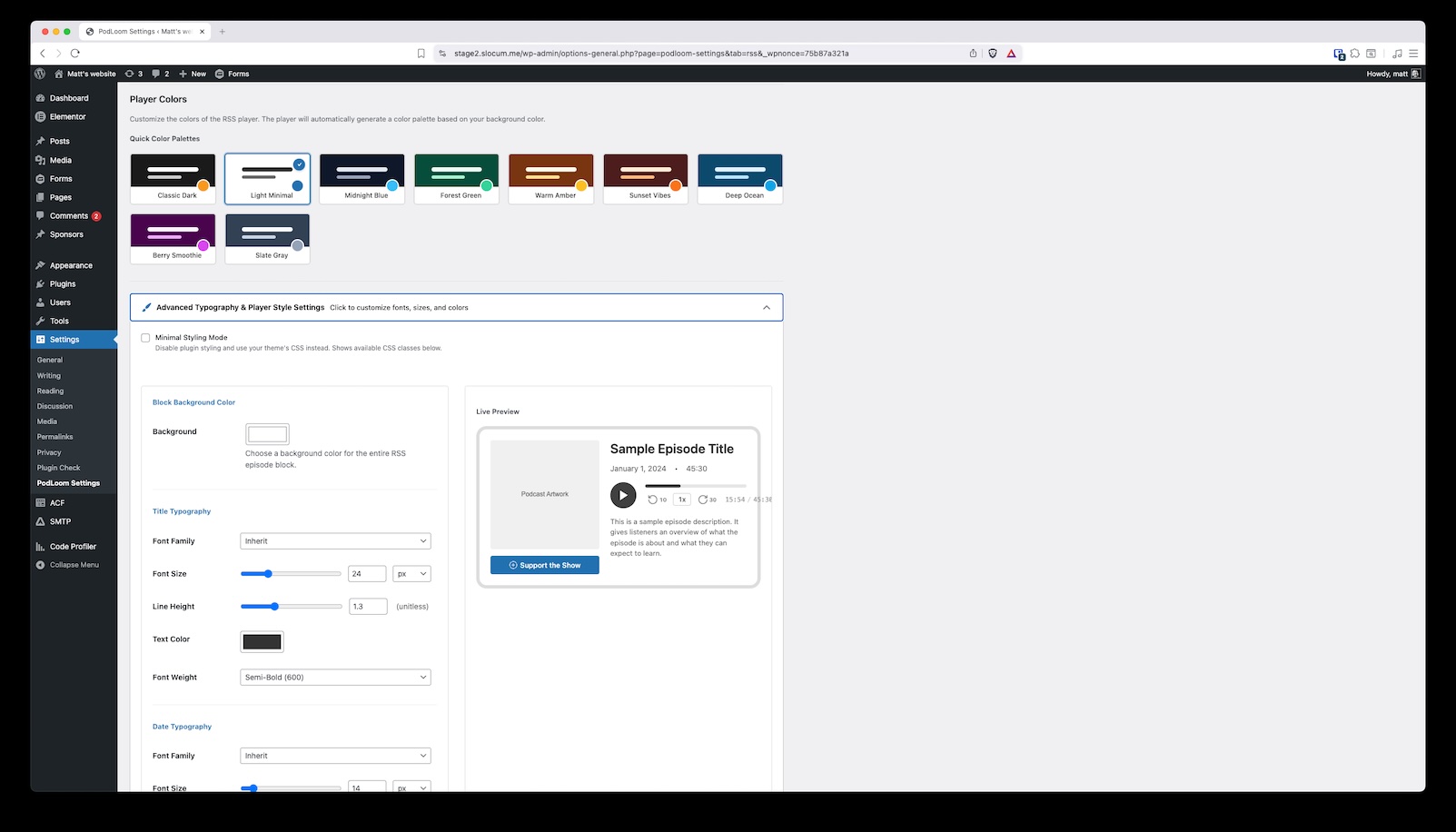
Design Settings
Customize colors, typography, and styling to match your brand perfectly.
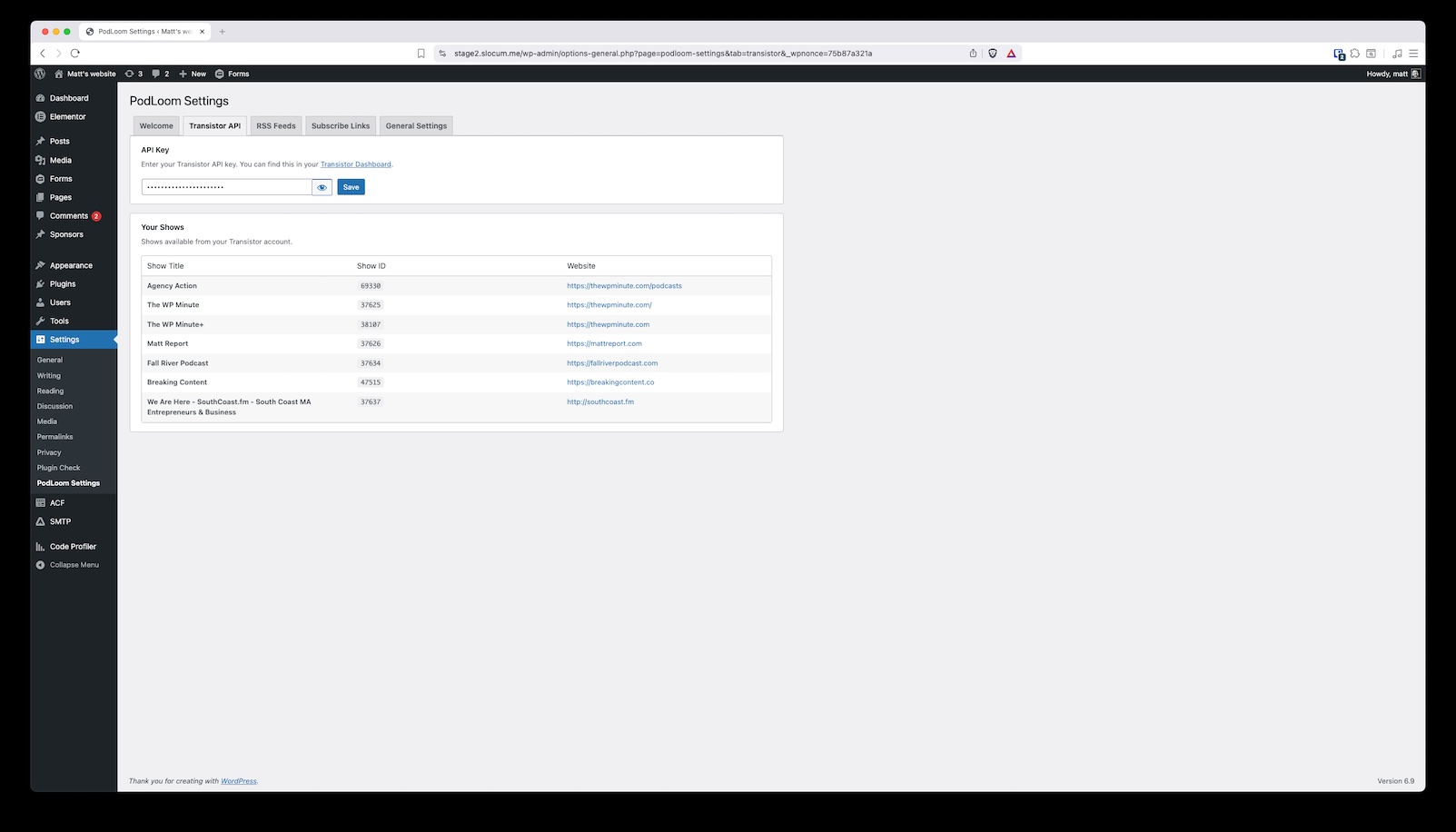
Transistor Settings
Connect your Transistor.fm account with your API key for seamless episode embedding.
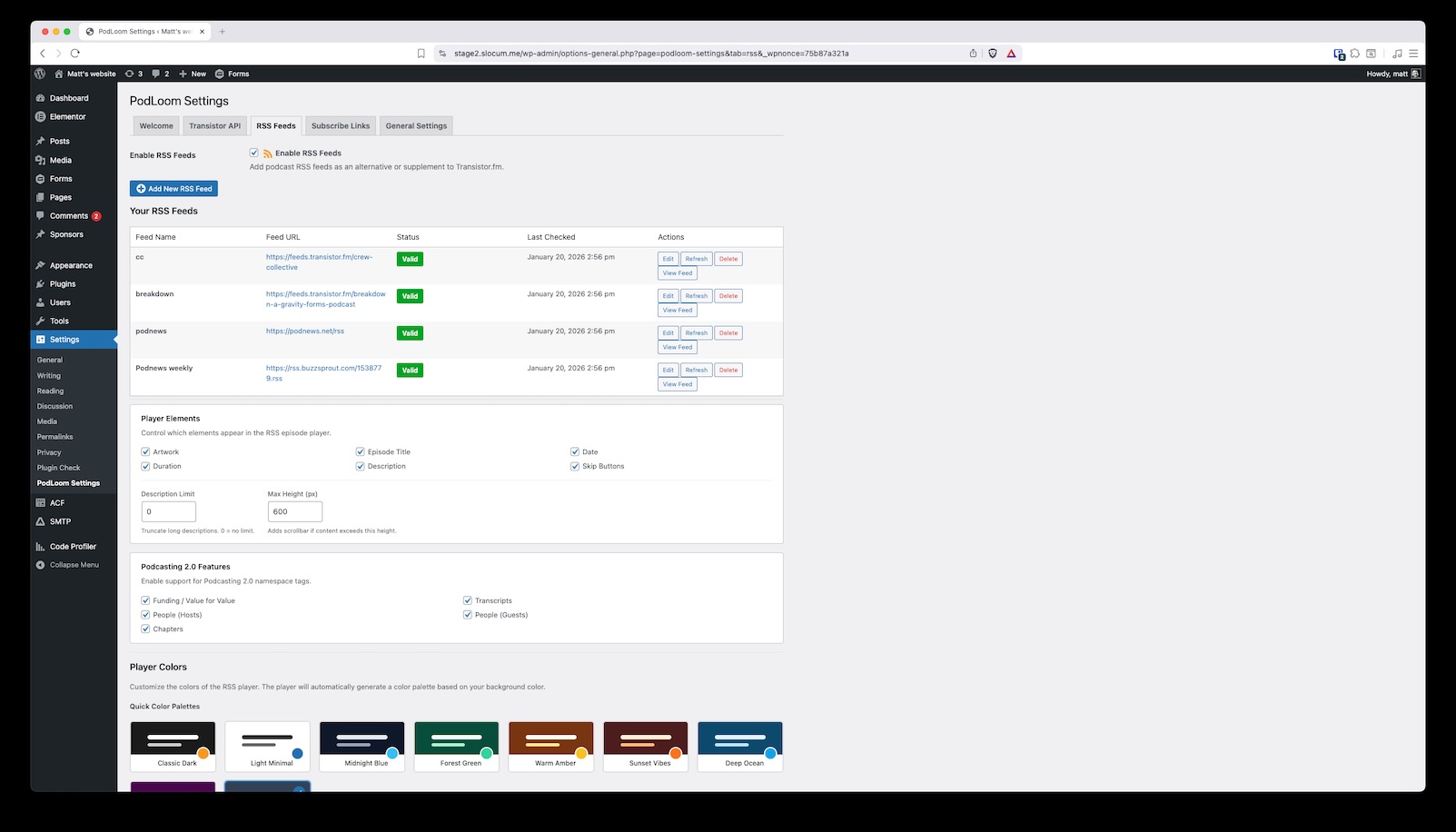
RSS Settings
Add and manage RSS feeds from any podcast host for maximum flexibility.
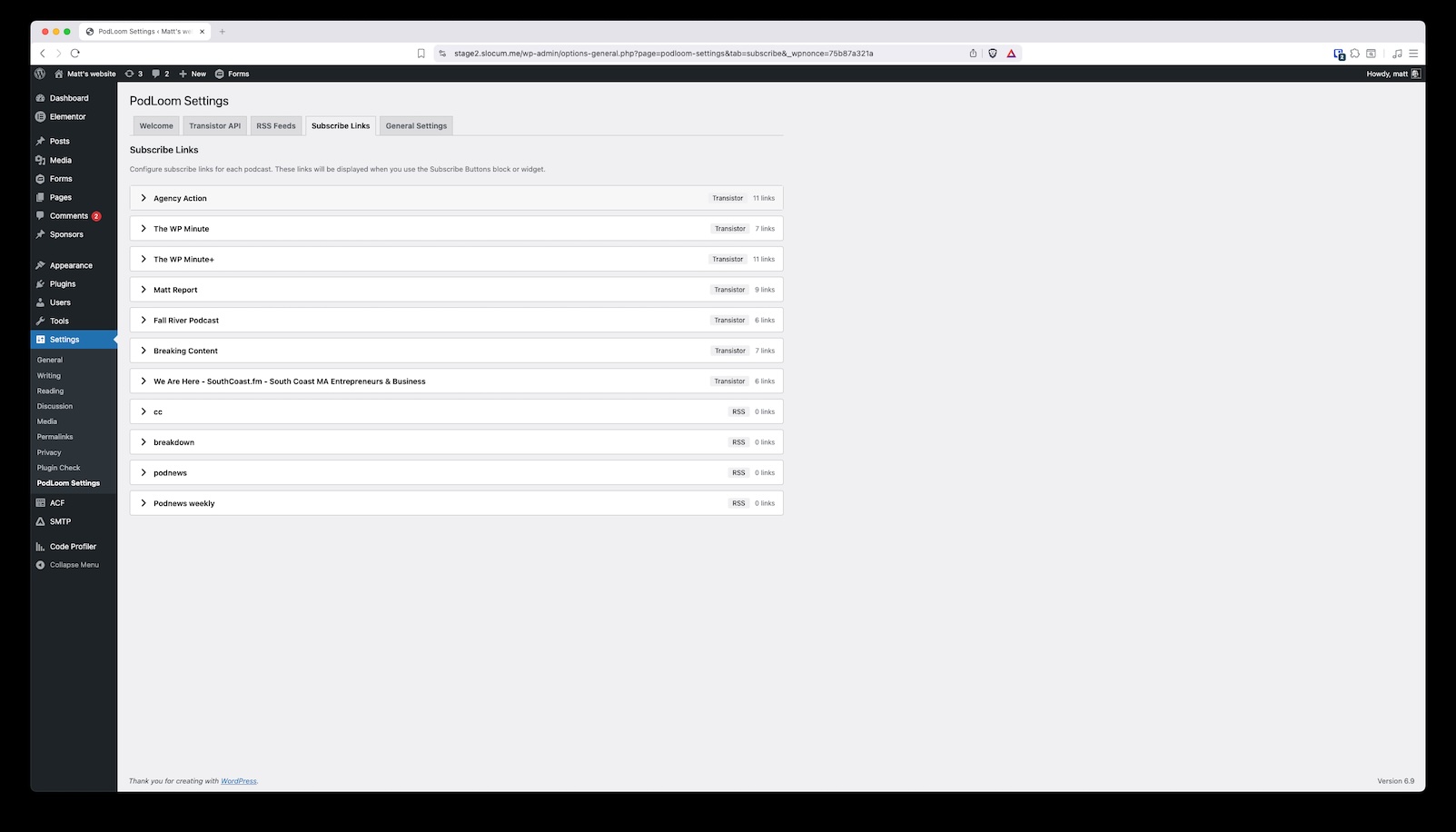
Sharing Settings
Configure subscribe buttons for 15+ podcast platforms to grow your audience.